Auto-tag your photos
using local AI

LumiTag generates IPTC/XMP keywords offline. Searchable in Synology Photos, Lightroom, and any app.

🔒 100% Offline — your photos never leave your computer
No account needed · Works offline · Windows 10/11
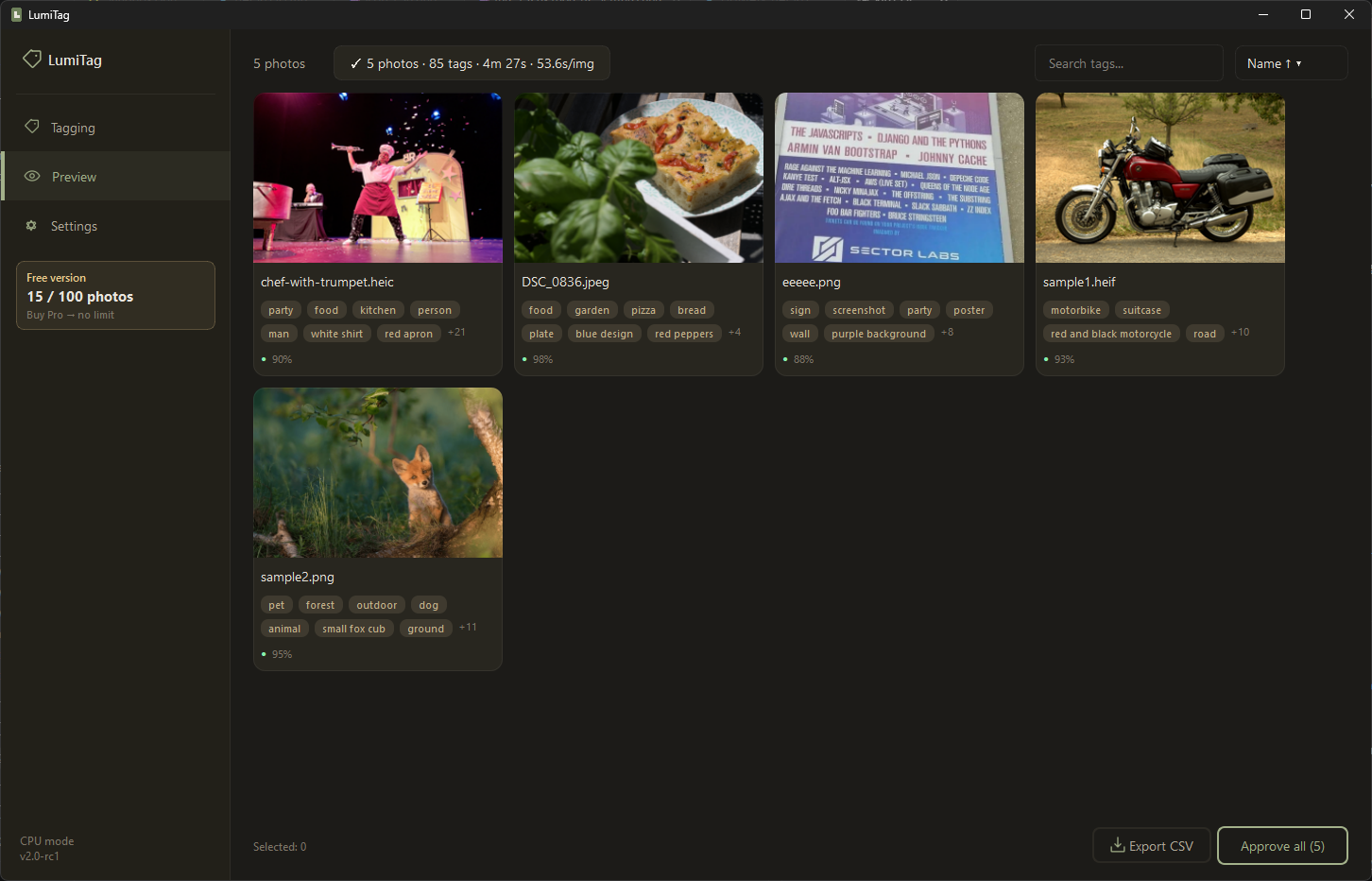
Lumitag — AI photo tagging results

Everything you need to tag photos

Five AI models work together to generate accurate, searchable keywords — entirely on your machine.

🔒

100% Offline

Your photos never leave your computer. No cloud, no API keys, no subscription.

🧠

Multi-Model AI

5 specialized AI models: scene classification, object detection, visual tags, captions, and OCR.

🏷️

IPTC/XMP Native

Tags saved directly in photo metadata. Searchable in Synology Photos, Lightroom, Bridge, and any app.

GPU Accelerated

NVIDIA GPU support for 3–10× faster processing. Works on CPU too.

🌍

Multi-Language Tags

Auto-translate tags to Polish, German, French, Spanish, and more.

📊

Smart Tagging Modes

Quick (30s/100 photos), Standard, or Thorough. Pick speed vs detail.

See it in action

Clean, modern interface designed for photographers who value simplicity.

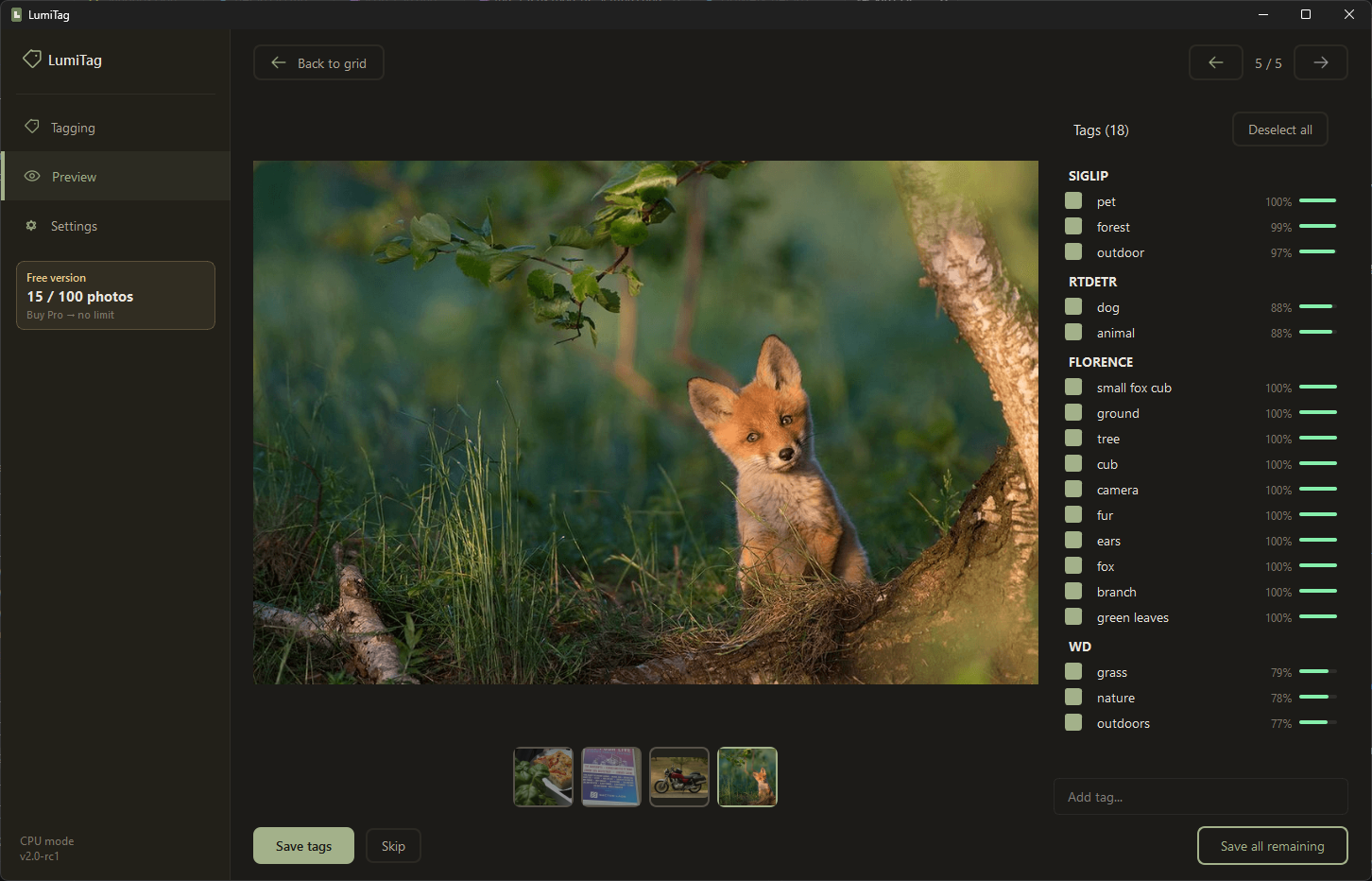
Tag detail view with confidence scores
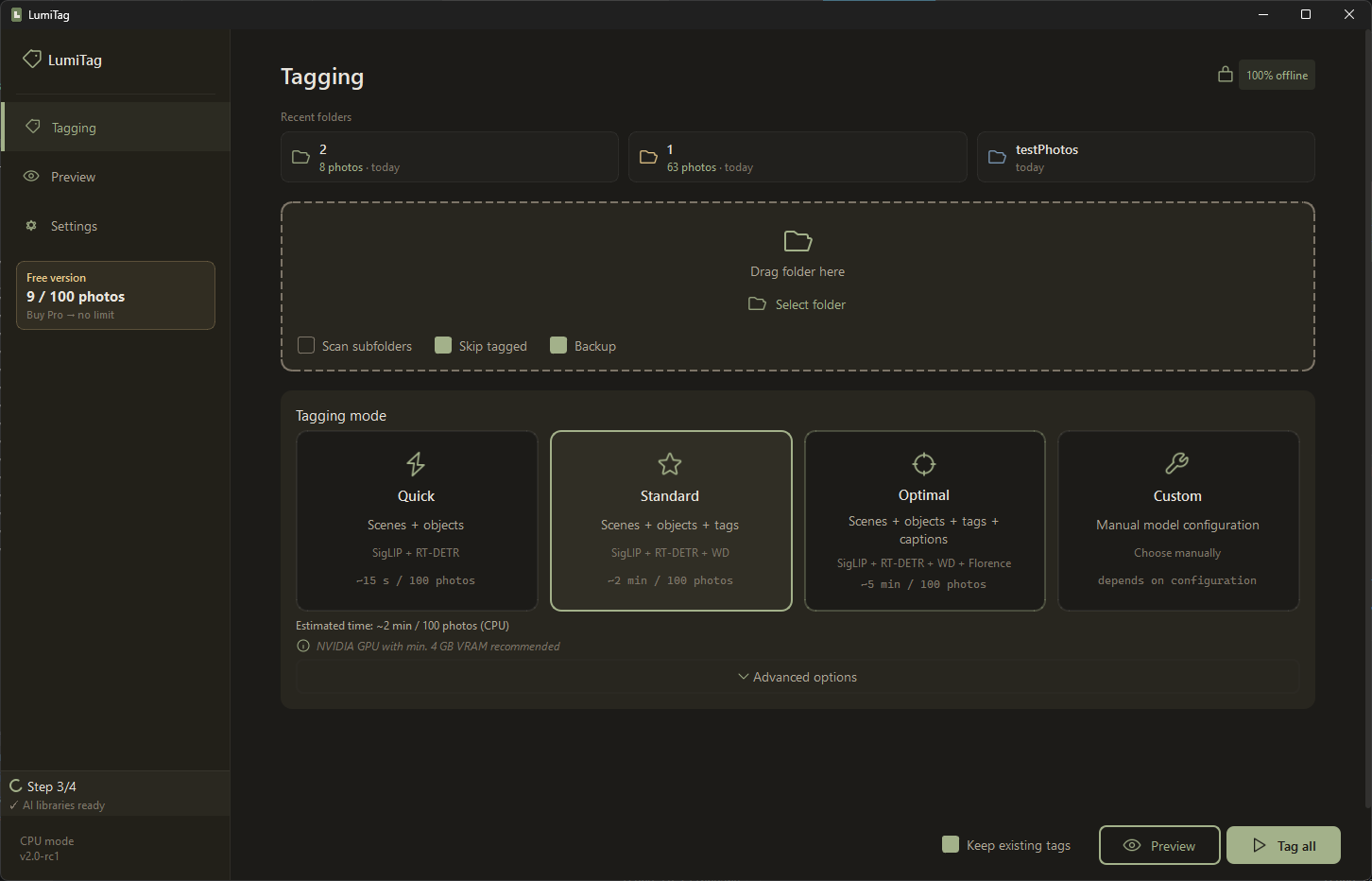
Tagging modes
Tagging modes
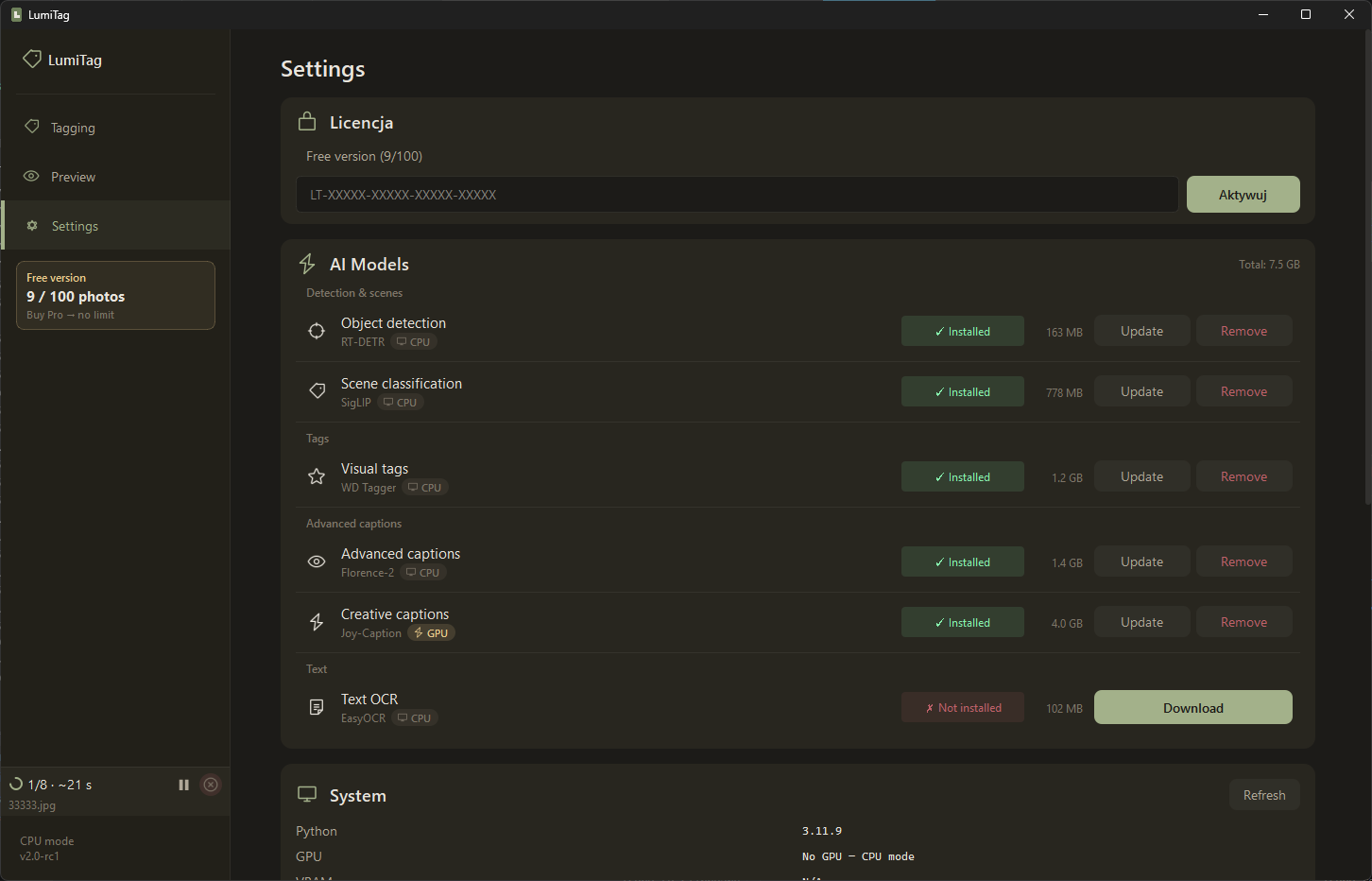
Settings
Settings

How it works

Three steps. No configuration needed.

📂
1

Drop a folder

Select any folder with photos — JPG, PNG, HEIC, TIFF formats supported.

🤖
2

AI does the work

Multiple AI models analyze each photo and generate keywords automatically.

3

Tags saved in files

IPTC/XMP keywords written directly into photo metadata. No database, no lock-in.

Simple pricing

Start free. Upgrade when you need unlimited photos.

Free

$0
forever
  • 100 photos
  • All AI models
  • All tagging modes
  • Unlimited preview
Download Free

Frequently asked questions

Everything you need to know about LumiTag.

Does LumiTag need internet?

Only for the first launch — it downloads the AI engine (0.5–3 GB depending on GPU) and your selected models (1–8 GB). Total: 1.5–10 GB depending on configuration. After that, everything works 100% offline.

What photo formats are supported?

JPG, PNG, HEIC/HEIF, and TIFF.

Will it work without a GPU?

Yes! CPU mode works on any Windows 10/11 PC. GPU (NVIDIA 4 GB+ VRAM) makes it 3–10× faster.

Where are tags saved?

Directly in photo files as IPTC Keywords and XMP Subject. No database, no lock-in.

Can I use it with Synology Photos?

Yes! Tags are written as IPTC keywords which Synology Photos indexes automatically.

What about Windows SmartScreen warning?

LumiTag is not yet code-signed. Click "More info" → "Run anyway". This is safe — the app is fully offline and open for inspection.

How do I get a refund?

Purchases are handled by Paddle.com. Contact them within 14 days for a full refund.

Ready to organize your photo library?

Start tagging for free. No account, no cloud, no strings attached.